AI Assistant for Medical Appointments (Patient Question Generator and Jargon Translator)
Hedy's Medical Consultation mode helps patients prepare for appointments, decode medical jargon in real time, and walk away with a clear summary of next steps. Hedy translates the jargon and helps you remember the plan. It is not a substitute for professional medical advice.
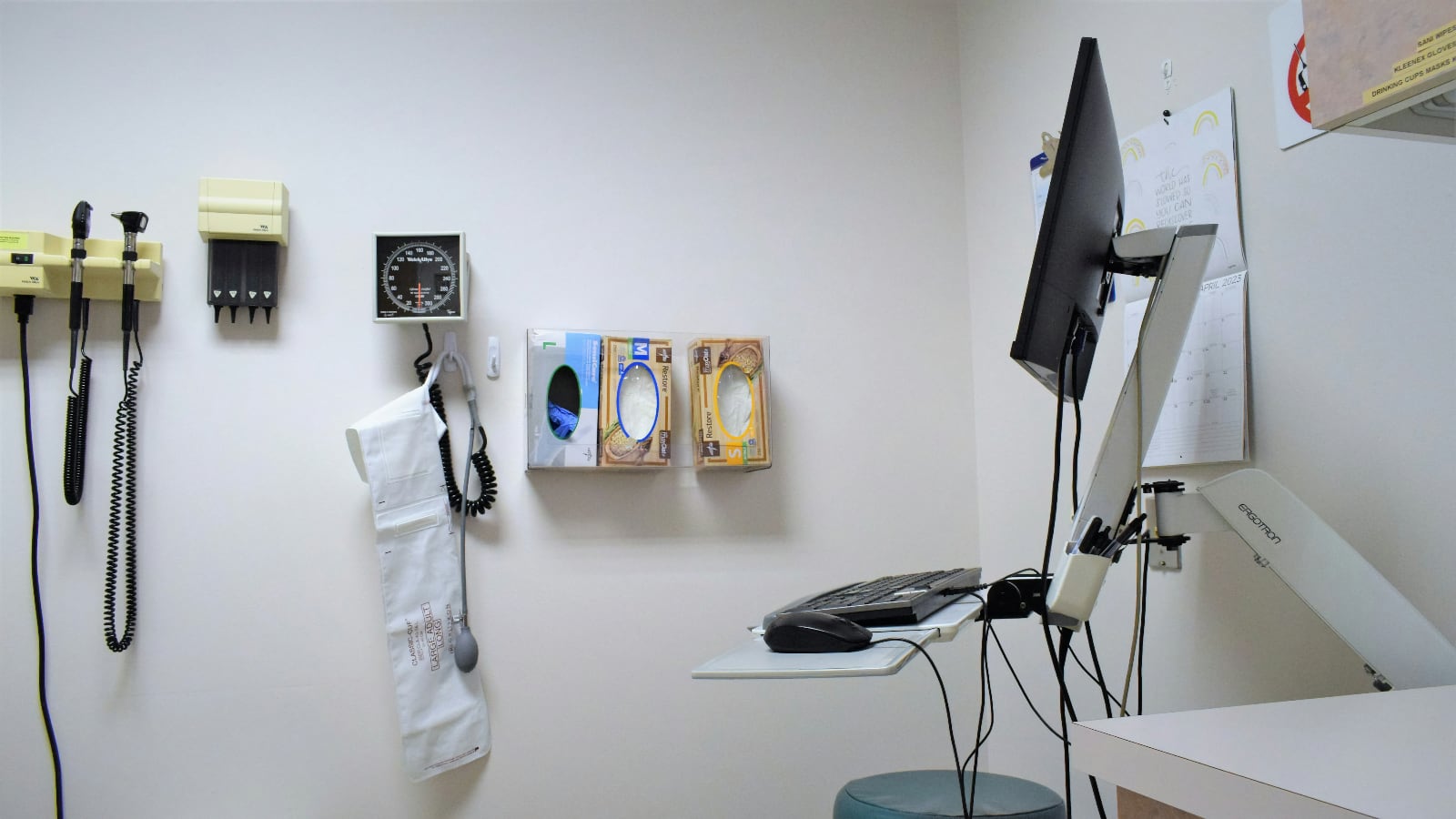
We know that medical appointments can be overwhelming. There’s all that jargon, complex explanations, and sometimes you leave feeling like you have more questions than answers. Well, we heard you, and we’ve taught Hedy a thing or two about medicine.
Our latest update introduces a brand new “Medical Consultation” mode. It’s like having a really smart friend (who happens to know a lot about health stuff) sitting right next to you during your appointment.
So, What Can Medical Hedy Do?
Glad you asked! Here’s a sneak peek:
1. Jargon Buster: Hedy will help you decode all that medical mumbo-jumbo. No more nodding along while secretly planning to Google everything later.
2. Question Generator: Drawing a blank when the doctor asks if you have any questions? Hedy’s got your back with some smart queries you might want to ask.
3. Treatment Translator: Hedy can help break down different treatment options, so you can make informed decisions about your health.
4. Anxiety Ally: Feeling nervous? Hedy can suggest some calming techniques and help you express your concerns effectively.
5. Next Steps Navigator: Leave your appointment with a clear game plan, thanks to Hedy’s summary of action items and follow-up steps.
This part is important: Hedy isn’t trying to play doctor. Our AI buddy knows its limits and will always encourage you to rely on your healthcare provider’s expertise. Think of Hedy as your personal jargon translator and confidence booster, not a replacement for professional medical advice.
How to Use It
Using Medical Hedy is as easy as pie (a healthy pie, of course). After updating to the latest version of Hedy select the “Medical Consultation” session type before your appointment, and Hedy will be all geared up to help you navigate your visit.
We Want to Hear From You!
Have you tried the new Medical Consultation mode? We’d love to know how it went! Drop us a line and share your experience. And hey, if you have ideas on how we can make Hedy even better, we’re all ears! Stop by our Feature Board to add your ideas and vote on your favorite upcoming features.
Remember, with Hedy by your side, you’re not just a patient - you’re the most informed person in the room. Here’s to healthier, more empowered you!
Frequently Asked Questions
What does Hedy’s Medical Consultation mode do?
Medical Consultation mode is designed for patients attending medical appointments. It transcribes the visit, decodes medical terminology in real time, suggests questions you might want to ask, breaks down treatment options, and summarizes next steps and follow-ups after the appointment.
Is Hedy a replacement for medical advice?
No. Hedy is a plain-language guide and confidence booster for patients, not a substitute for professional medical advice, diagnosis, or treatment. Hedy is built to help you understand and follow your appointments, not to provide clinical recommendations. Always rely on your healthcare provider’s expertise.
Is Hedy private enough for medical appointments?
Hedy uses on-device speech recognition by default, so audio doesn’t leave your phone unless you explicitly enable Cloud Sync. On capable hardware, Local AI Processing can run the AI analysis on-device too, offline included. For specific compliance questions about your use case, see Hedy’s Trust Center. Hedy is built for patient use, not as a covered-entity tool for clinicians.
How do I prepare for a medical appointment with Hedy?
Add context before the visit: paste your symptoms, current medications, prior diagnoses, and any specific concerns into a Custom Context (up to 10,000 characters). When you start the session, choose Medical Consultation as the mode. Hedy then tailors question suggestions to your specific situation.
Will my doctor know I’m using Hedy?
Hedy runs on your phone without joining the conversation as a separate participant — there’s no bot, no notification. That said, transparency builds trust. Many patients tell their providers up front: “I’m using a transcription tool to help me remember the visit.” Most providers welcome it; some prefer not to be recorded.
About the author
Julian Pscheid is the founder and CEO of Hedy AI, a real-time AI meeting coach used by tens of thousands of professionals worldwide. He writes about how AI is changing the way people prepare for, capture, and understand important conversations.