How to Take Sermon Notes with AI (Without Missing the Sermon)
A simple method for sermon notes: listen first, write three lines in your own words, and let an AI app keep the transcript and the list of scriptures.
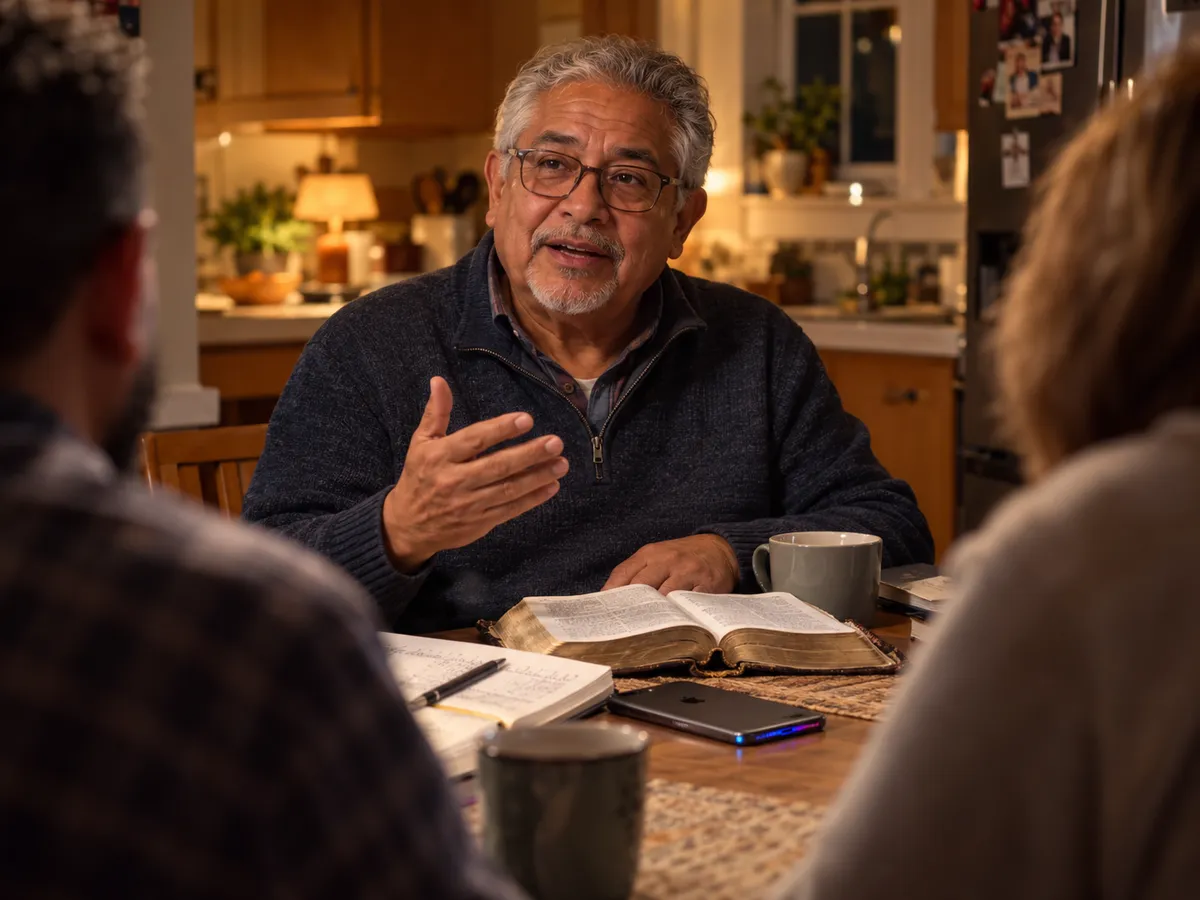
Quick answer: Good sermon notes are short. Write three lines in your own words during the sermon: the main point, the key verse, and one question. Let an AI app like Hedy keep the word-for-word transcript and the list of every scripture referenced. Then review within a day and pick one thing to do that week. Hedy is free for 5 hours a month, which covers a weekly sermon. See how Hedy works for sermons.
Most people who take sermon notes are trying to do two things at once: listen to the sermon and write it down. The second one usually wins. You end up with a page of half-sentences and the feeling that you missed the point while you were capturing it.
AI note-taking apps change the trade-off. When an app keeps the transcript, your job goes back to listening. This guide covers a simple method that works with or without an app, and where an AI app actually helps.
Why writing everything down backfires
Trying to write down every word of a sermon makes it harder to understand. A widely cited study of students taking lecture notes found that people who typed notes nearly word for word did worse on conceptual questions afterwards than people who wrote fewer notes by hand. The people writing by hand had to summarize as they went (Mueller & Oppenheimer, Psychological Science, 2014). Later replications found a smaller effect, but the practical lesson holds: copying is not the same as understanding.
Sermons work the same way: while you are busy transcribing, you are not thinking about what the pastor is saying.
So split the job:
- You write a few lines in your own words, which is the part that helps you remember.
- The app keeps the full transcript and the list of passages, which is the part you would otherwise miss while you were thinking.
The three-line method
During the sermon, write only these three things:
- The main point, in one sentence. If you cannot say it in a sentence yet, wait. Most sermons state it more than once.
- The one verse that carried it. Not every verse quoted, just the one the sermon turned on.
- One question. Something you disagree with, did not understand, or want to think about this week.
Three lines fit in the margin of a bulletin or in a note on your phone. Everything else (the illustrations, the cross-references, the exact wording of that line you liked) is in the transcript.
Before the service: read the passage
If your church publishes the sermon passage or the series schedule in advance, read the passage before Sunday. Ten minutes with the text changes how you hear the sermon. You notice what the pastor emphasizes, what he or she skips, and which questions the passage raises that the sermon answers.
During the sermon: where AI helps
An AI app does three useful things during a sermon.
It keeps the transcript. Hedy transcribes the sermon live on your phone, on-device by default. If your mind wanders, scroll back to where you lost the thread.
It gives you background on demand. When the pastor quotes a passage you do not know, Hedy’s Context for reference quick action gives you where it comes from and how it is usually read. Explain this concept puts a theological term into plain words. Neither one takes more than a glance.
It stays out of the way. Hedy’s suggestions appear only when they are worth a glance, at most three at a time. Most of the sermon, you should not be looking at your phone at all.
To set this up in Hedy, choose the Spiritual Teaching session type in Settings. It tells Hedy you are listening to a teaching rather than talking in a meeting, so the notes are written for reflection rather than as meeting minutes. The Spiritual Teaching quick prompts reference lists every quick action.
After the service: review within a day
Notes you never reread do little for your memory. The most useful habit is a short review within 24 hours, while the sermon is still fresh.
With Hedy, you have two documents after every sermon:
- The Session Recap: an overview of the message and its core teachings.
- The Detailed Notes: key teachings, the stories and illustrations, life application, reflection prompts, and a section called Referenced Texts & Readings that lists every scripture the pastor read or mentioned, with how each one was used.
A good fifteen-minute review:
- Read the recap and compare it with your three lines. Did you catch the main point?
- Open Referenced Texts & Readings and read the key passage again in your own Bible.
- Pick one reflection prompt and write a few sentences in a journal.
- Choose one thing to do this week, and make it specific.
Keep a sermon series together
Most churches preach through a book or a theme over several weeks. Notes from a single Sunday lose that thread.
In Hedy, create one topic for each series and add each week’s session to it. You can then ask questions across the whole series (“What has the pastor said about grace so far?”), and Hedy can point out during a sermon when today’s passage picks up an argument from three weeks ago. The help guide for sermons and Bible study walks through the setup.
Sermons you watch online
Many people now watch at least some services online. You can take the same notes from a livestream:
- Watching live on a computer: the Hedy app for Mac and Windows hears the livestream audio directly, so there is no need to hold a phone up to the speakers.
- Watching later: paste the YouTube, Vimeo, or Facebook link into Hedy with importing online videos. You get the same recap and notes as a live session.
This also covers Sundays you miss. Import the sermon into the series topic and the series stays complete.
Bible study and small groups
The same method works in a small group, with one change: ask before you record. People share personal things in a small group, so get the group’s agreement first and pause the session during prayer requests and sharing time.
Notes from a small group are useful in a different way. Afterwards you can see which questions the group spent the most time on, and what passages came up in discussion.
What AI notes cannot do
- It does not replace your Bible. Hedy names the passages and gives you background. Read them yourself, in context.
- Its explanations are general background. They are not your church’s teaching. If an explanation and the sermon disagree, ask your pastor or small group leader.
- It cannot pick your one thing for the week. The recap can suggest practices. Choosing one, and doing it, is still yours.
A simple sermon notes template
The three-line method works on paper with no app. At the top of the page, write the date, the passage reference, and the series and week if there is one. Then leave room for four lines:
| Line | What to write |
|---|---|
| Point | The sermon’s main point, in one sentence |
| Passage | The one verse the sermon turned on |
| Question | Something you disagree with, did not understand, or want to think about |
| This week I will… | One specific thing to do, written on Monday morning |
Copy it into a notebook or a note on your phone, or print it and fold the sheet into four. The first three lines are for the service. Leave the last one until Monday.
What you lose without an app is the transcript and the full list of passages. If you only want to remember the sermon, paper is enough. If you want to study the series, look things up later, or catch the cross-references you missed, an app saves you the work. For a comparison of the apps, see the best AI sermon notes apps.
Frequently asked questions
What is the best way to take sermon notes?
Write less, not more. Before the service, read the passage. During the sermon, write three things in your own words: the main point, the one verse that carried it, and one question it raised. Within a day, reread your notes and pick one thing to do that week. An AI app can keep the full transcript and the list of scriptures, so you do not have to.
Can AI take notes during a sermon?
Yes. Apps like Hedy transcribe the sermon live on your phone or computer, then produce a recap, detailed notes, and a list of every passage the pastor referenced. Hedy can also explain a passage or term while the sermon is still going. Sermon-specific iPhone apps like Sermon Keeper and Sunday Notes AI add a built-in Bible, and Sunday Notes AI also shows a live transcript.
Is it okay to record a sermon in church?
Usually, but ask if you are not sure. Many churches already publish their sermons online. Some prefer that nobody records. In a small group or Bible study, ask the group first and pause during prayer requests. Some apps, including Hedy, can transcribe without saving the audio at all.
What should sermon notes include?
The sermon’s main point in one sentence, the key passage, any stories or illustrations that made the point land, a question you want to think about, and one thing you will do in response. A list of every scripture referenced is useful for review, and an AI app can produce that list for you.
Is there a simple sermon notes template?
Yes. Write the date and the passage at the top, then four lines: Point (the main point in one sentence), Passage (the one verse it turned on), Question (one thing to think about), and This week I will (one thing to do, filled in on Monday). It fits on a folded sheet, in a notebook, or in a note on your phone.
How do I remember a sermon after Sunday?
Review your notes within 24 hours, while the sermon is still fresh, and connect it to one specific action for the week. Talking about it helps too: bring a question from your notes to your small group or a friend. Notes you never reread do little for your memory.
Can I take sermon notes from a livestream or YouTube?
Yes. On a Mac or Windows computer, Hedy hears the livestream audio directly and transcribes it as it plays. For a sermon that is already posted, paste the YouTube, Vimeo, or Facebook link into Hedy and it builds the same recap and notes.
About the author
Julian Pscheid is the founder and CEO of Hedy AI, a real-time AI meeting coach used by tens of thousands of professionals worldwide. He writes about how AI is changing the way people prepare for, capture, and understand important conversations.